
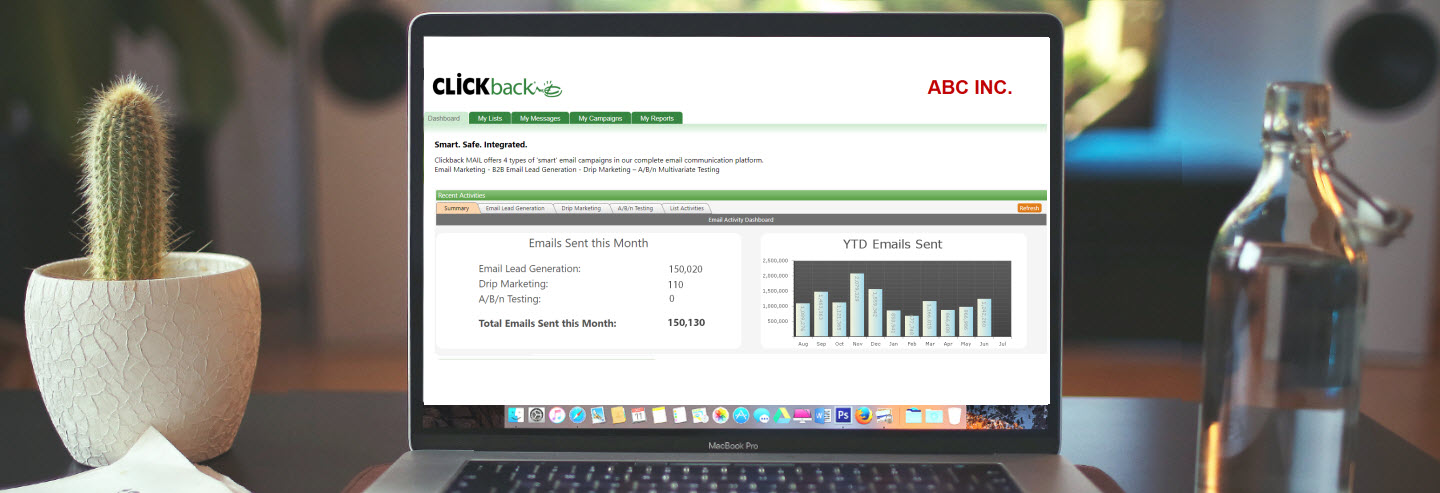
We just released version 5.4 of our email lead generation software, Clickback MAIL.
Here are a few reasons why we released this update.
- We wanted to give customers a drag-and-drop editor that was fully responsive. So, those who aren’t blessed with coding skills wouldn’t have to worry about their emails not rendering correctly on their recipients’ mobile devices.
- We updated our “Message Manager” section so multiple users can’t update or save over an email message if another person is currently editing it.
- Lastly, we updated the interface and functionality of our User Guide to make it more useful and easier to get the help you need.
What’s new or changed?
1. Simple Message Builder is now called Easy Message Creator
It’s not just a name change. It now has more feature capabilities. For instance, all emails created using “Easy Message Creator” is now fully responsive to ensure your recipients can easily read your emails on their mobile devices. Best part is it requires no custom coding on your end!

The interface was also updated to make it easier to use, so dragging and dropping each block is extremely simple.

That’s not all! Items in your message that require attention are now indicated in the green bar at the top, which makes it super easy for you to see and make adjustments as needed.

2. Message Collision Prevention
This is a new feature. What is it? If another person is working on the same email message as you, at the same time, you’ll be prompted with an alert (in the “Message Manager” section of the software) which will notify you that your message is currently locked. This is to prevent dual editing so your changes aren’t saved over.

To access the message, you’ll be presented with a few choices: 1) you can unlock the message and take control of it or 2) you can create a copy of the message.

3. User Guide
Our help section went through a makeover and has a fresh new look. It also contains more interactive and informative articles.

Not only that, but you can now create support tickets and review these tickets in-app which means you don’t have to leave the software to reach out to our Customer Success Team. To create a new ticket, go to the top right corner in the “Help” Section and click “Submit a request.”

There’s also now an area with interactive community forums, and we’ve enhanced our user guide’s search capabilities, so you can locate and find what you’re looking for even faster.
To see the fresh look of our user guide, go to the “Help” section located in the top right corner of your Clickback MAIL account.
If you have any questions about Clickback MAIL’s version update, please reach out to our support team.